
RideCow makes it straightforward to request a ride: enter your trip, choose a ride tier, review the upfront fare, pay securely, and connect with an eligible driver.


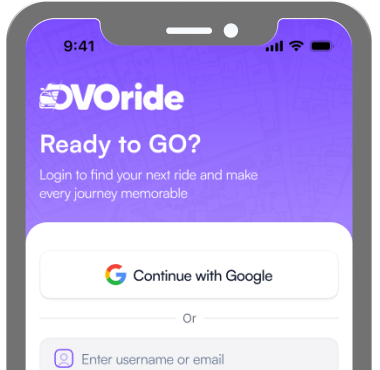
Enter your information and create a secure RideCow rider account.
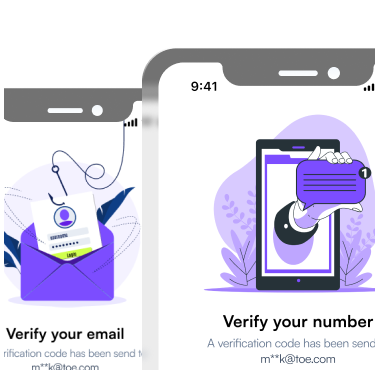
Confirm the email address and mobile number associated with your account.
Confirm the required policies and Rider Rules before requesting a ride.
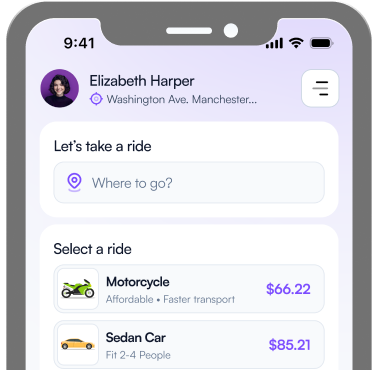
Set the exact pickup and destination for your trip using the map or address search.
Downtown Raleigh, NC
Raleigh-Durham International Airport
Select Standard, XL, or Premium based on your space and comfort needs.

Standard

XL

Premium
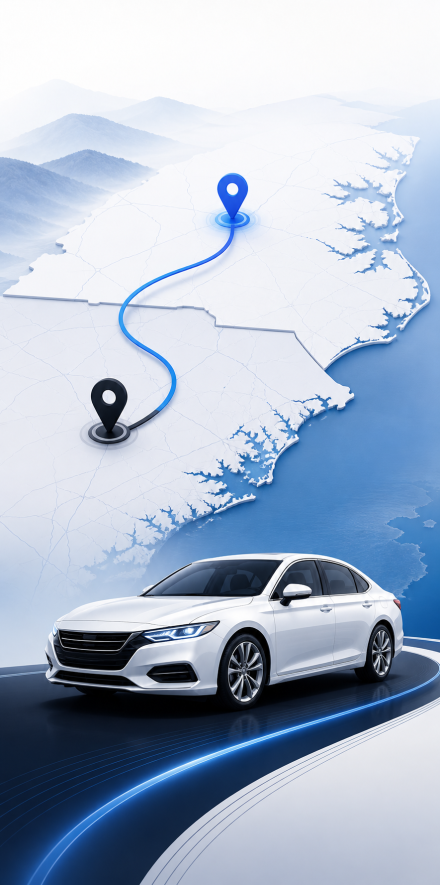
Pay the fixed fare through Stripe Checkout before RideCow sends the request to eligible drivers.
$18 minimum
$14 minimum
$10 minimum
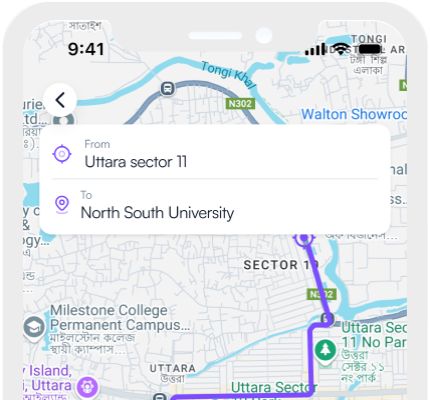
View the accepted driver's photo, vehicle description, plate number, and approximate location.
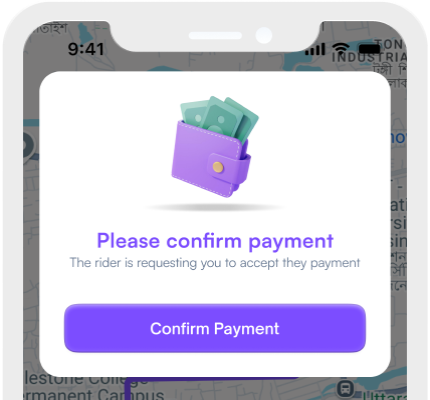
Follow the driver's progress to pickup and view ride progress through RideCow.
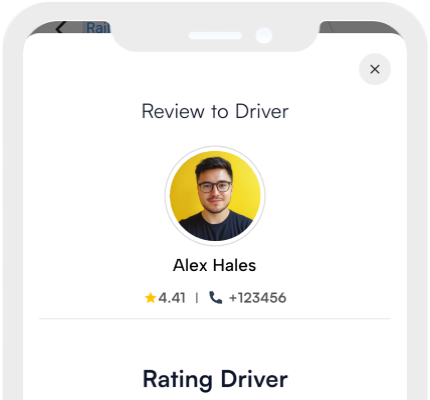
After the ride, rate the experience and optionally add a tip.
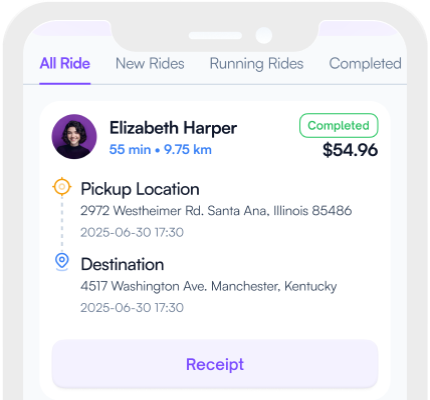
Review the completed ride and payment details in your account.